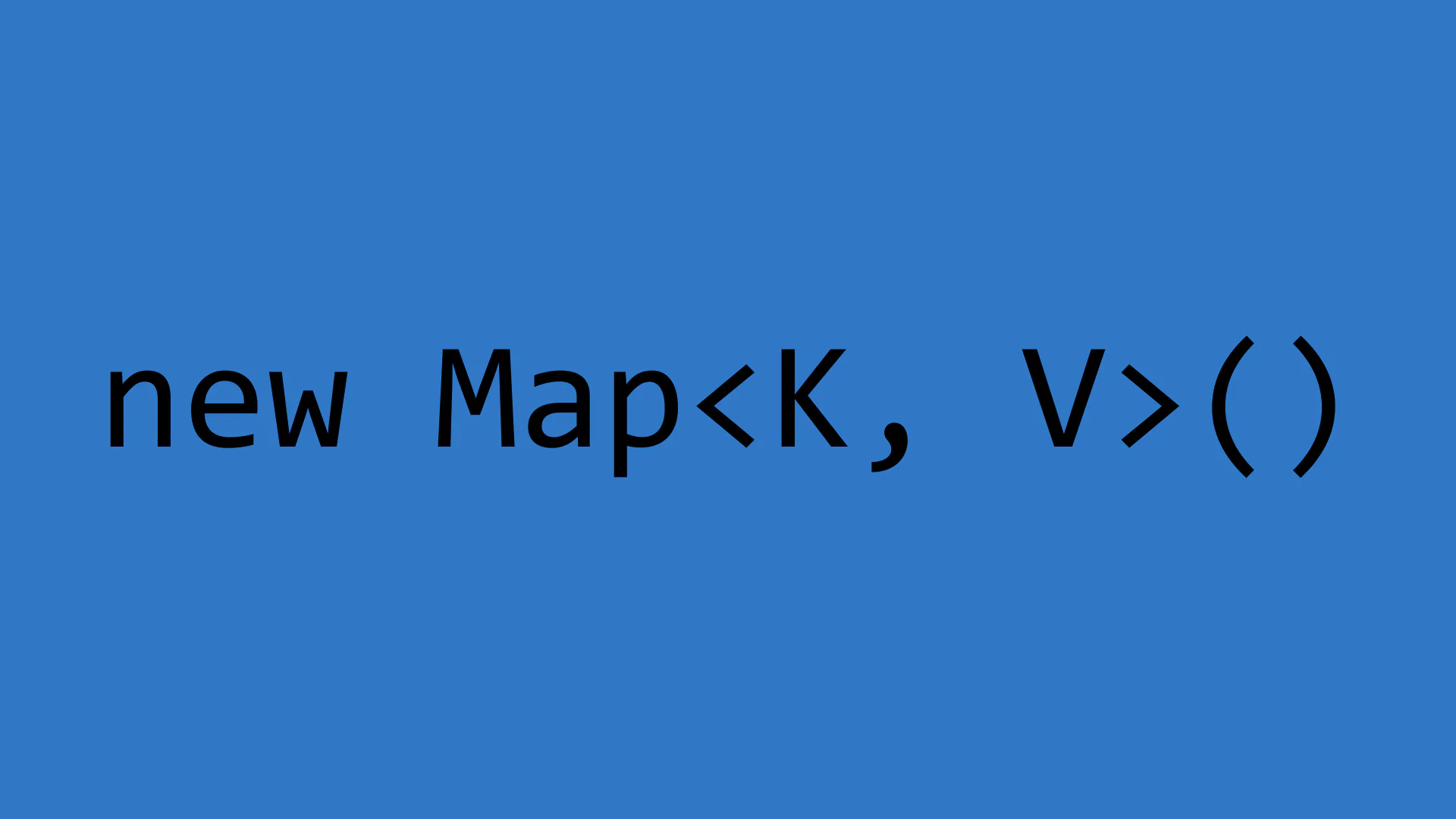
Let's Start With The Problem — Why Generics Exist At All
Before generics make any sense, you need to feel the pain they solve. Not the "yeah, TypeScript has generics" kind of familiarity, but the kind where you've actually hit the wall that generics were built to break through.
So here's the scenario, stripped all the way down:
You want to write a function that takes an array and returns the first item. Simple enough.
function getFirst(arr: number[]): number {
	return arr[0];
}
Works fine. Until someone needs it for strings.
function getFirst(arr: string[]): string {
	return arr[0];
}
And now someone needs it for objects. And booleans. And custom types. You're staring down an identical function, copy-pasted four times, each differing only in the type annotation.
The "solution" that jumps out first is usually any:
function getFirst(arr: any[]): any {
	return arr[0];
}
This works. But now TypeScript has gone completely quiet — not because everything's fine, but because you've switched it off. You've lost type inference, editor autocomplete, and any protection against passing the wrong thing. You've traded the whole reason you're using TypeScript for a bit of convenience.
Generics are the real solution. They let you write the function once, keep it fully flexible, and still have TypeScript track exactly what type flows in and out.
The Core Idea A Placeholder For A Type
A generic is a type placeholder. Instead of committing to a specific type up front, you say "whatever type comes in, use that same type throughout." TypeScript figures out what that type is at the moment the function is called, and holds everything consistent from there.
Here's that getFirst function, written with a generic:
function getFirst<T>(arr: T[]): T {
	return arr[0];
}
The <T> part is where you introduce the placeholder. T is just a name — a stand-in for whatever type will be provided. The function then says: "I take an array of T, and I return a single T." Whatever T turns out to be, the input and output types will match.
Now you can call it with anything:
getFirst<number>([1, 2, 3]); // TypeScript knows this returns number
getFirst<string>(['a', 'b', 'c']); // TypeScript knows this returns string
getFirst<boolean>([true, false]); // TypeScript knows this returns boolean
You wrote the function once. TypeScript infers the type each time based on what you actually pass in. No any, no duplication, no type information lost.
The Name T Is Just A Convention
A quick side note before going further: T isn't a keyword. It's not magic. It's just the conventional name for a generic type parameter, short for "Type." You can call it anything.
function getFirst<Item>(arr: Item[]): Item {
	return arr[0];
}
That's exactly the same function. Item just reads a little more like English in some contexts.
By convention, single-letter names like T, U, K, and V are used when the type is abstract and unnamed. When the generic has a specific role, a descriptive name like Item, Value, or Response can make the intent clearer. Neither is wrong — choose whichever makes the code easier to read.
Multiple Type Parameters
You're not limited to one. You can introduce as many type placeholders as the function needs.
Say you want a function that takes two values and returns them as a tuple — a pair. The two values might be completely different types:
function pair<A, B>(first: A, second: B): [A, B] {
	return [first, second];
}

const result = pair<string, number>('Amara', 42);
// result is [string, number]
TypeScript tracks both types independently. A locks to string, B locks to number, and the return type correctly reflects both.
pair<string, boolean>('Ruguru', true); // [string, boolean]
pair<number, { id: number }>(100, { id: 1 }); // [number, { id: number }]
Same function, wildly different types, fully tracked every time.
Constraints When You Need The Type To Have Something
Sometimes being completely flexible causes a problem. If TypeScript doesn't know anything about T, it also can't let you use any properties that T might have. Try this:
function getLength<T>(value: T): number {
	return value.length; // Error: Property 'length' does not exist on type 'T'
}
TypeScript won't allow it, because T could be anything — a number, a boolean, a custom object with no length property at all. It's being protective.
This is where constraints come in. You can tell TypeScript "I don't care what type T is, as long as it has a length property":
function getLength<T extends { length: number }>(value: T): number {
	return value.length;
}
The extends keyword here doesn't mean inheritance the way it does in classes. It means "T must at least have this shape." You're narrowing the range of what T can be without fully locking it down.
getLength<string>('hello'); // 5 — strings have length
getLength<number[]>([1, 2, 3]); // 3 — arrays have length
getLength<{ length: number }>({ length: 10 }); // 10 — object with length property works too
getLength<number>(42); // Error — numbers don't have length
You kept the flexibility. You just drew a boundary around it.
Generics In Interfaces And Types
Generics aren't just for functions. They work equally well in interfaces and type aliases, and this is where things start getting genuinely powerful for modeling real data.
Imagine you're building something that fetches data from an API. Every response has the same shape — a status, maybe an error message — but the actual data payload is different for every endpoint:
interface ApiResponse<T> {
	status: number;
	message: string;
	data: T;
}
Now you can use this interface across your entire application, with a different type for data each time:
interface User {
	id: number;
	name: string;
}

interface Product {
	id: number;
	price: number;
}

const userResponse: ApiResponse<User> = {
	status: 200,
	message: 'OK',
	data: { id: 1, name: 'Amara' }
};

const productResponse: ApiResponse<Product> = {
	status: 200,
	message: 'OK',
	data: { id: 7, price: 4999 }
};
One interface definition. Used everywhere. TypeScript knows exactly what data looks like in each case, so you get full autocomplete and type checking on userResponse.data.name and productResponse.data.price without any extra work.
Let's Build A Real Thing A Typed map From Scratch
You've almost certainly used .map() before. Now let's build a version of it with full generic types, because this is where everything we've covered locks into place.
The Goal
Take an array of one type, transform each item using a callback, and get back an array of potentially a different type.
Building typedMap
function typedMap<T, U>(array: T[], callback: (item: T) => U): U[] {
	const result: U[] = [];

	for (let i = 0; i < array.length; i++) {
		const transformed = callback(array[i]);
		result.push(transformed);
	}

	return result;
}
Let's pull this apart:
Tis the type of items going inUis the type of items coming out — it can be the same asT, or something completely different- The callback takes a
Tand returns aU - The function returns
U[]
TypeScript will infer both T and U from what you actually pass in. You never need to write them out manually.
const numbers = [1, 2, 3, 4, 5];

// T is inferred as number, U as number
const doubled = typedMap<number, number>(numbers, (n) => n * 2);
console.log(doubled); // [2, 4, 6, 8, 10]

// T is number, U is string — different input and output types
const labels = typedMap<number, string>(numbers, (n) => `Item ${n}`);
console.log(labels); // ['Item 1', 'Item 2', 'Item 3', 'Item 4', 'Item 5']
TypeScript knows doubled is number[] and labels is string[]. Not because you told it — because it followed the types through the generic parameters and figured it out.
Compare This To The any Version
It's worth seeing the contrast directly:
// With any — TypeScript has given up
function badMap(array: any[], callback: (item: any) => any): any[] {
	return array.map(callback);
}

const result = badMap([1, 2, 3], (n) => n * 2);
// result is any[] — TypeScript knows nothing about it
result[0].toUpperCase(); // No error here, even though this will crash at runtime// With generics — TypeScript stays with you
const result = typedMap([1, 2, 3], (n) => n * 2);
// result is number[]
result[0].toUpperCase(); // Error: Property 'toUpperCase' does not exist on type 'number'The generic version catches a runtime bug at compile time. That's the whole value proposition.
The Real Deal How TypeScript's Built-In Generics Work
Now that you've built a generic function from scratch, the generic types built into TypeScript should feel a lot less magical. Let's look at three you'll hit constantly.
Array<T> and T[]
These two are identical. string[] is just shorthand for Array<string>. When you write number[], you're using a generic type with T set to number. The angle bracket syntax is always there underneath.
const names: Array<string> = ['Amara', 'Ruguru'];
const names2: string[] = ['Amara', 'Ruguru']; // Same thing
Promise<T>
Promise is generic too. It takes a type parameter that describes what the promise resolves to:
async function fetchUser(): Promise<User> {
	const response = await fetch('/api/user');
	return response.json();
}

const user = await fetchUser();
// TypeScript knows user is User, with .id and .name
Without the generic, TypeScript wouldn't know what fetchUser eventually gives you. With it, everything downstream is typed correctly.
Record<K, V>
Record is a built-in generic that creates an object type where every key is of type K and every value is of type V:
const scores: Record<string, number> = {
	Amara: 95,
	Ruguru: 88,
	Manny: 74
};
It's cleaner than writing { [key: string]: number } every time, and it reads more clearly when you actually care about saying "this is a map from keys to values."
Default Type Parameters
Just like function parameters can have default values, type parameters can too. This is useful when there's a sensible fallback type:
interface Box<T = string> {
	value: T;
}

const box1: Box = { value: 'hello' }; // T defaults to string
const box2: Box<number> = { value: 42 }; // T explicitly set to number
If you leave the type parameter off, TypeScript falls back to the default. If you provide one, it overrides. Exactly like default function arguments, just at the type level.
Bringing It All Together
Here's the full journey, end to end:
- Generics solve the duplication problem — write once, work for any type, without losing type safety
<T>introduces a type placeholder that TypeScript fills in at the call site- You can have multiple type parameters (
<T, U>) when input and output types are independent - Constraints (
extends) narrow what a generic type parameter is allowed to be without fully locking it down - Generic interfaces and type aliases let you model consistent data shapes where one piece varies — like an API response wrapper
- TypeScript's built-in utilities like
Array<T>,Promise<T>, andRecord<K, V>are all just generics under the hood
Once generics click, a huge amount of TypeScript code stops looking cryptic and starts reading like plain English. You'll recognize the pattern in every utility library, every API client, every framework type definition you encounter. You're no longer staring at angle brackets wondering what they mean — you're seeing type placeholders being filled in by the compiler in real time, keeping everything consistent from input all the way to output.
That shift in reading is the real unlock here.